
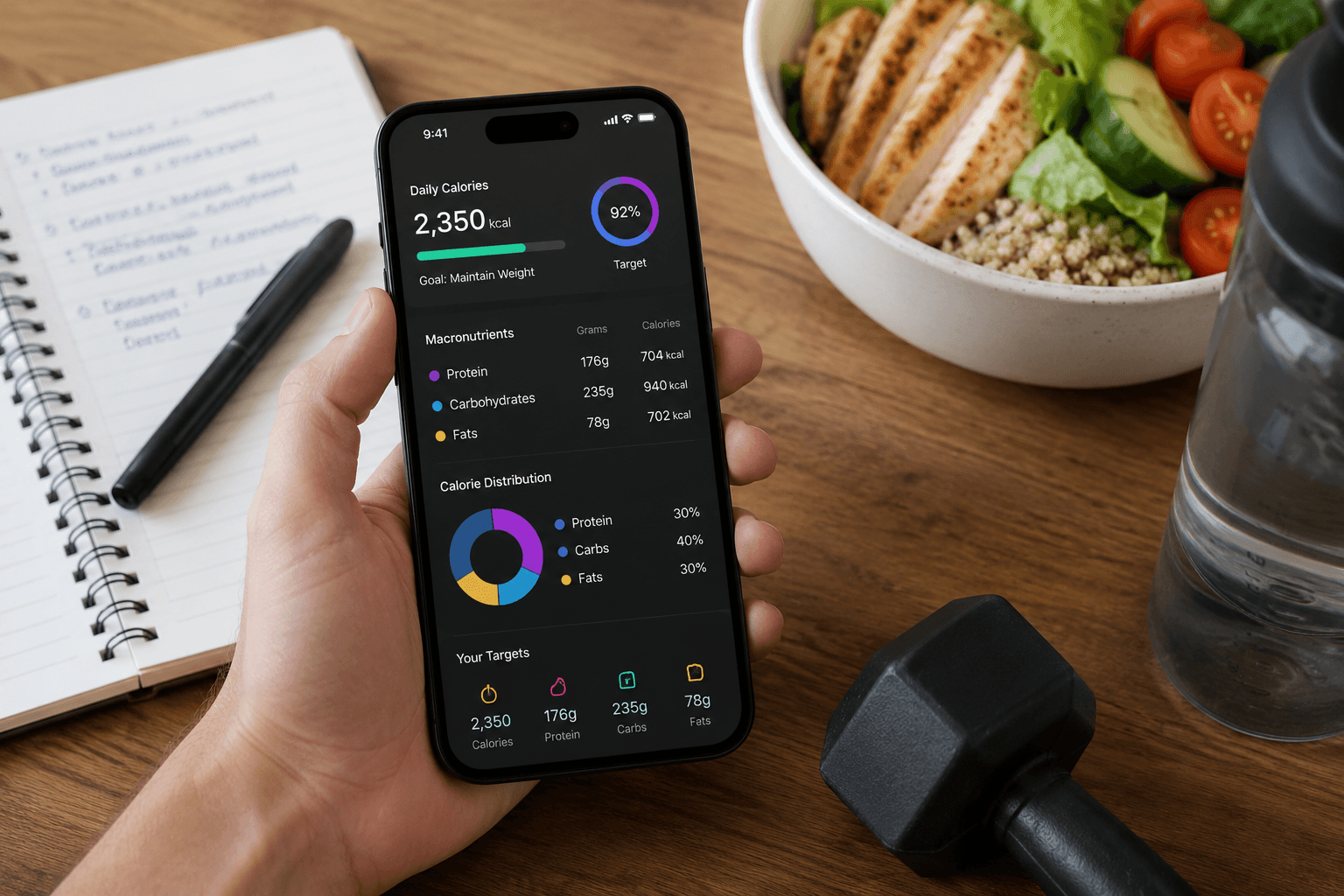
A TDEE calculator with macro targets estimates maintenance calories from age, weight, height, activity, and goal, then splits protein, carbs, and fat. Manual formulas work once. Apps adjust faster as your weight changes.
How TDEE is estimated
Most apps use Mifflin-St Jeor BMR multiplied by an activity factor. BusyBody onboarding sets initial targets, then real-world logging and weight trend refine them. Trust four-week averages over calculator guesses.
Macro split basics
- Protein: 0.7 to 1g per pound goal weight
- Fat: 0.25 to 0.35g per pound
- Carbs: fill remaining calories
- Adjust carbs first when cutting or bulking
When to recalculate
Recalculate after five pounds lost, a job change in activity, or a new training block. Ask the BusyBody coach to review targets if weight stalls three weeks while logging accurately.
The bottom line
Use BusyBody as your TDEE calculator with macro targets that evolve with your data, not a one-time online form.