
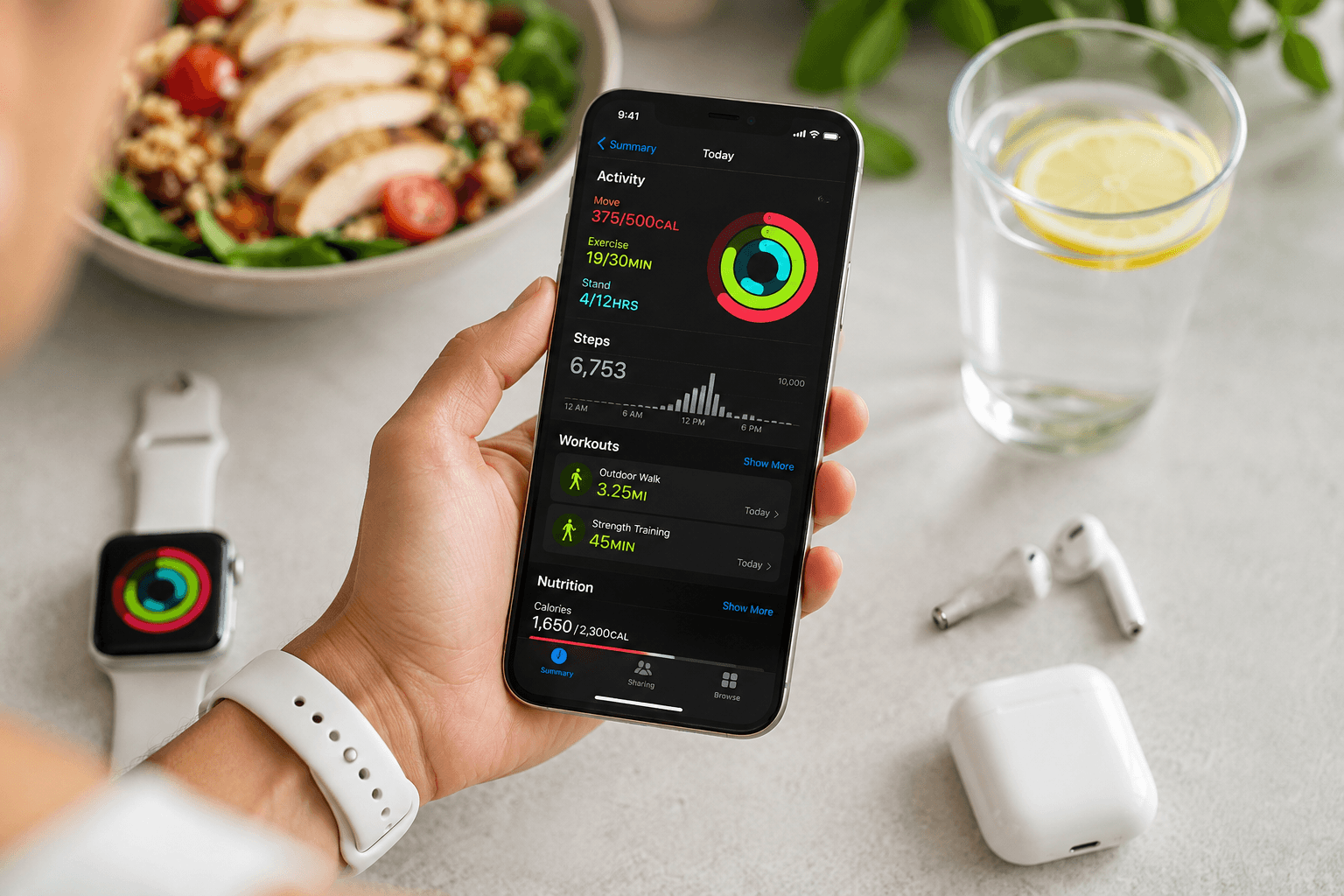
An Apple Health calorie tracker pulls steps, workouts, and weight into your nutrition app so calorie targets match real activity. Without sync, sedentary and ten-thousand-step days look identical on paper.
What BusyBody syncs
Connect Apple Health during onboarding or settings. Steps and active energy inform your dashboard and coach context. Logged BusyBody workouts can flow back to Health alongside other apps you use.
Why sync matters for fat loss
High step days need adequate fuel to protect training performance. Low activity days benefit from tighter calorie awareness. The coach uses movement data when suggesting dinner portions.
Setup checklist
- Enable Health permissions for steps and workouts
- Weigh in consistently, manual or smart scale
- Log meals in BusyBody daily
- Review weekly step average with weight trend
The bottom line
BusyBody is a strong Apple Health calorie tracker because nutrition, training, and activity data share one AI coach.